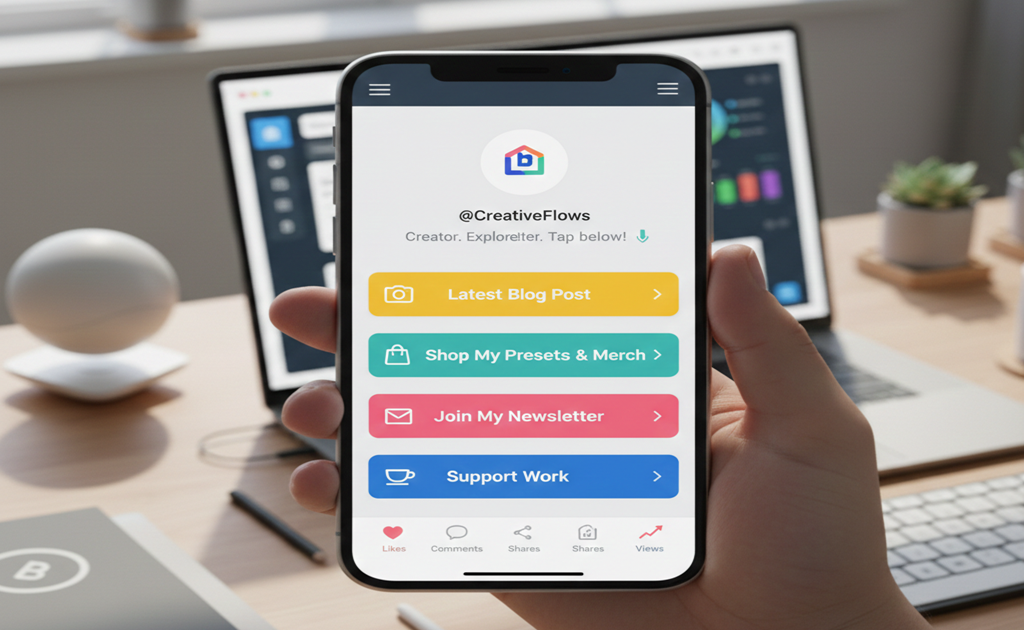
Learn how to create a high-converting link in bio page for Instagram, TikTok, or YouTube. Boost clicks, engagement, and conversions with our step-by-step guide.
How to Build a Link in Bio Page That Converts
A great link in bio page can turn your social traffic into customers. ShortAI.Link makes it simple to create smart, clickable links that engage your audience.
Step 1 – Choose Your Platform
Decide which social media platform you want to link from and ensure your link page is optimized for mobile.
Step 2 – Add Your Most Important Links
Include links to your website, blog, shop, or premium content. Prioritize top-performing links.
Step 3 – Use Call-to-Action Buttons
Strong CTAs like “Shop Now” or “Watch Video” increase conversion rates.
Step 4 – Customize Your Design
Brand your page with colors, fonts, and profile photo for consistency.
Step 5 – Track Analytics
Monitor clicks, locations, and devices using ShortAI analytics to optimize conversions.
A well-designed link in bio page is a conversion machine. Follow these steps to turn your followers into paying customers.
CTA: Create your link in bio page today and start converting traffic into revenue!